
Turning Raw Position Counts into Millimetres in the PLC
The wiring is done, the comms are up and the number moves. It is an integer, though - zero to 8388607, or 4.03 mA. Neither is a distance. Get the conversion wrong and every later discussion about accuracy is decoration, because error budget, repeatability and linearity all rest on the assumption that the number is already right.
1. Establish Which Kind of Number You Have
Four output types hand over four different quantities. Mixing formulas between them is a standard mistake.
- Pulse-timing (Start-Stop). The raw quantity is the interval between two pulses, and position = interval x wave speed / 2. The electronics head performs that division at the factory; the user never sees the interval.
- Analogue. 4-20 mA or 0-10 V, linear with position. It is already a transformed engineering quantity, just not in millimetres.
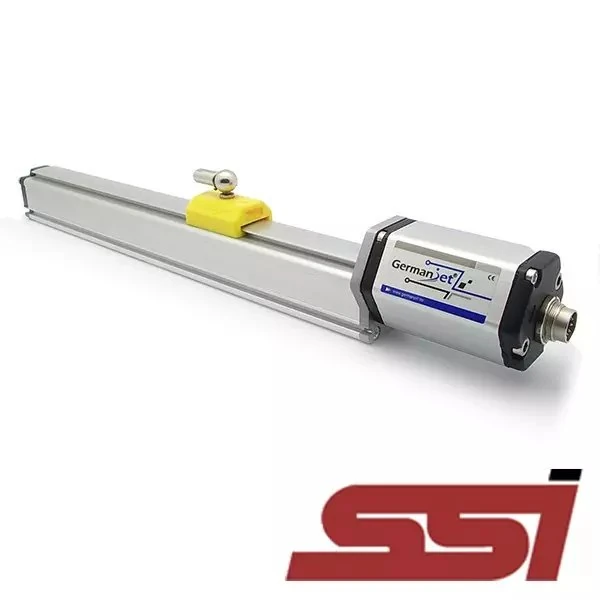
- Serial digital (SSI). An integer produced by dividing the range into equal parts. The bit count sets how many parts.
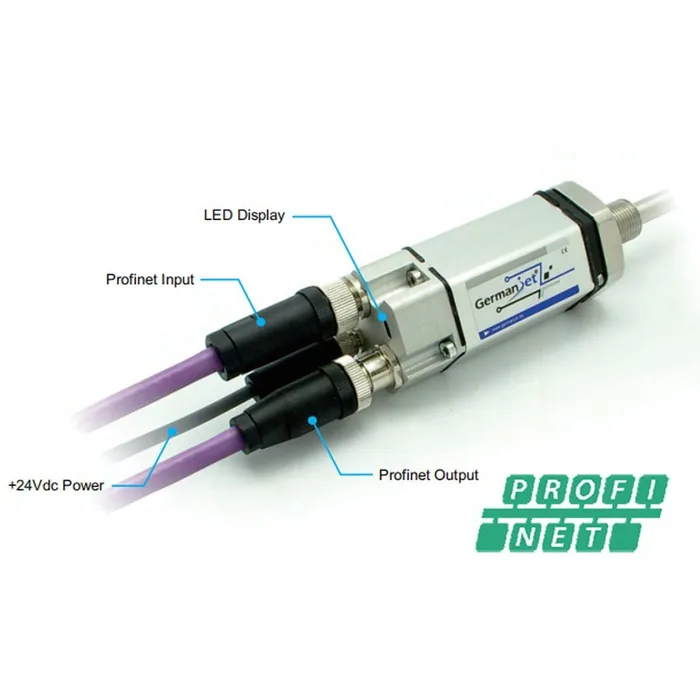
- Fieldbus. An integer inside process data, where byte order and word packing are set by the protocol.
The first two still need converting in a modern system; the last two are converted in the program. Our output comparison article lists the interfaces by series, and selection should settle which type you are dealing with.
2. Conversion Has Exactly Three Parameters
Full-scale count
The SSI bit count determines it. With N bits the range is divided into 2^N parts, so each part equals effective range / 2^N. That layer is fixed at the factory; what the program needs is the total.
Zero offset
The point where the count reads zero need not be the mechanical zero. Inverted mounting, reversed installation, or which side of the piston carries the magnet ring all offset count zero from mechanical zero by a fixed distance. That distance belongs either in the sensor parameters or in the program.
Direction
Whether the count rises or falls as the rod extends. Reversed direction is easy to spot under manual jog - the operator sees it immediately - but inside an automatic cycle it shows up as a slow accumulating error, which is much harder to trace.
Only the first of the three is fixed. The other two follow the mounting, so a like-for-like replacement may keep the first and need the other two redone.
3. Where Each Output Enters the Conversion
Analogue: start from current or voltage
For 4-20 mA, position = (measured current - 4) / 16 x effective range. For 0-10 V, replace 4 and 16 with 0 and 10. Two details break here. The range must be the effective range, not the probe's overall length, because the dead bands at each end are not usable travel. And the analogue input module usually reports a raw value that must itself be scaled to current, so two conversions stack and misalign easily.
SSI: the bit count sets resolution
SSI works by the master sending clocks and the slave shifting bits back. Binary is usable directly; Gray code must be converted first, as covered in our timing and encoding article. Without the conversion the reading looks normal and jumps only at particular positions - a pattern that frequently gets misdiagnosed as interference.
Fieldbus: settle packing before converting
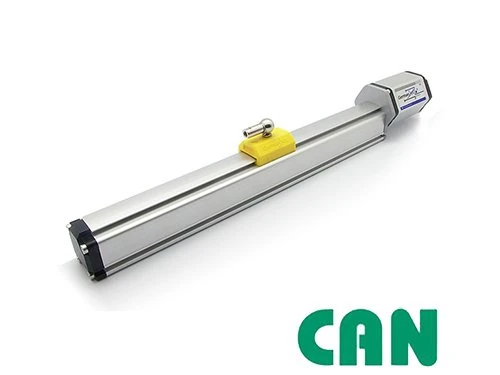
On CANopen the position sits inside process data, arranged according to the device description, as discussed in the 8-byte frame article. Modbus needs two registers joined into a 32-bit value, and getting the word order wrong yields a plausible-looking large number. Errors at this layer share a signature: the magnitude is obviously wrong, or the direction reverses as the axis moves.
Start-Stop: usually not yours to compute
The interval-to-position conversion happens inside the head. What the user can adjust is the range end points. On this path the clock source matters more than the formula.
4. Do Not Throw Resolution Away in Integer Arithmetic
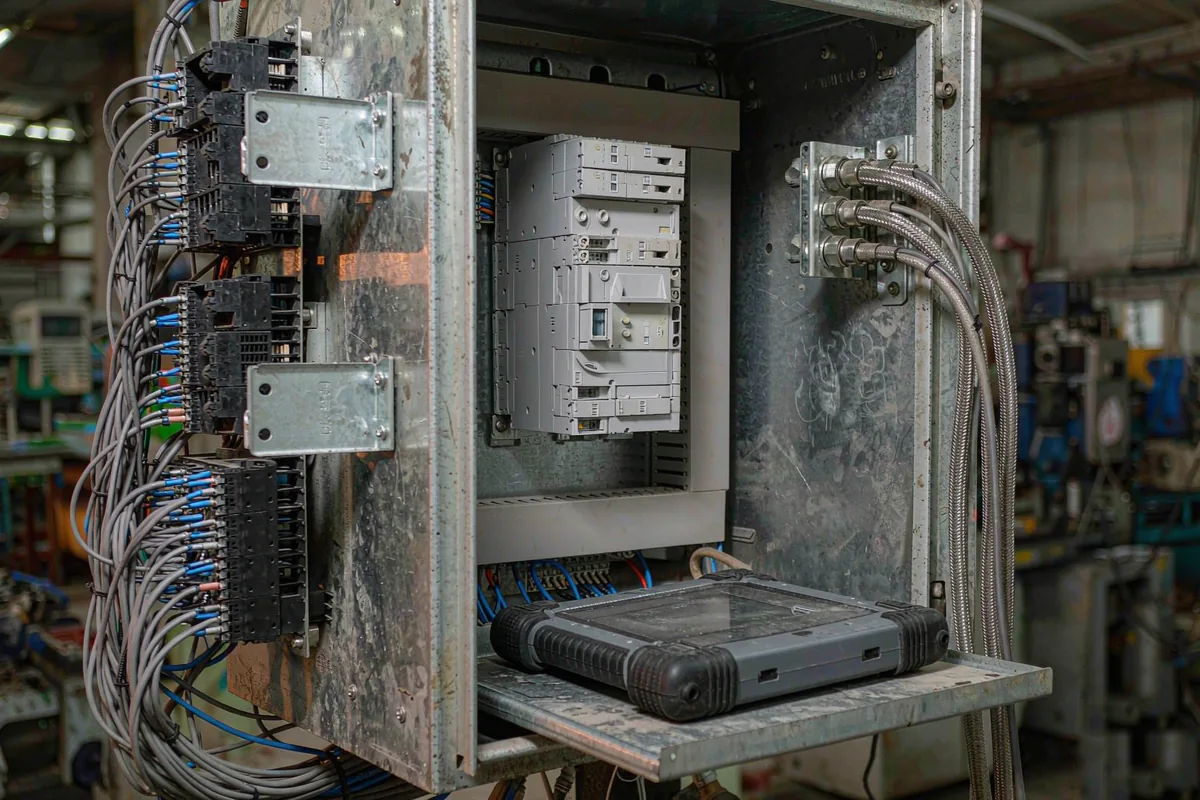
Integer division truncates. Divide first and the truncation happens at a small magnitude, where later multiplication amplifies it. Multiply first and the truncation lands in the last digit of the result, where it matters least.
A worked example: full-scale count 8388608, range 1000 mm. The correct sequence multiplies by 1000 and then divides by 8388608, keeping decimals. The wrong sequence computes counts per millimetre first - about 8388.6 - and then divides by it. Many controllers store that as 8388, and the shortfall accumulates across the stroke.
The scale factor itself needs enough digits. Rounded to an integer, or kept to two decimals, the error has no chance of being recovered downstream.
5. Zero Offset: Sensor or Program
Both work, but never both at once. The deciding factor is how often parts are replaced:
- In the sensor suits a stable mechanical datum and frequent sensor replacement. Write the same parameters into the new unit and the program stays untouched.
- In the program suits one program serving several identical machines whose mechanical zeros differ slightly. Change one place and leave the sensor alone.
Doing both makes diagnosis ambiguous: when the reading shifts, nobody can say whether the offset in the sensor was edited or the coefficient in the program was adjusted. Copy the current values before touching anything; that habit saves more time than any other.
6. Correct Conversion, Wrong Result: Three Mismatches
- The magnet ring is not at mechanical zero. The zero the program computes is where the ring sits, not where the piston face sits. The structural distance between them has to be measured once and written into the parameters, never assumed equal.
- The range was ordered one step long. Ordering up for headroom is normal practice, but if the coefficient is based on nominal stroke the whole curve loses resolution, most visibly at the far end.
- The dead bands were treated as travel. The effective range does not start at the physical end of the probe. Converting against overall length produces a region at each end where the reading stops responding. It looks like a mechanical limit; it is a drawing error in the conversion.
7. One Line to Close
Conversion is not tuning. It is writing down the relationship between three quantities correctly. Once they align, whatever error remains belongs to the sensor.
Frequently Asked Questions
Q: How do I convert SSI bits to millimetres?
Compute the length of one part first: effective range divided by 2 to the power of the bit count. Multiply the received integer by it, subtract the zero offset, and invert if the direction is reversed. Use the effective range rather than the probe length, because the end dead bands are not travel.
Q: How do I convert 4-20 mA into a position?
Position = (measured current - 4) / 16 x effective range. For 0-10 V substitute 0 and 10. The PLC analogue module usually reports a raw value that must be scaled to current first, so two conversions stack; keeping them as two clearly named variables avoids the misalignment.
Q: Should the zero offset live in the sensor or in the PLC?
Put it in the sensor when sensors are replaced often and the mechanical datum is stable. Put it in the program when one program serves several identical machines with slightly different zeros. Writing both makes troubleshooting ambiguous, so record the current values before any edit.
Q: Multiply first or divide first?
Multiply first. Integer division truncates, and dividing first truncates at a small magnitude that later operations amplify. Multiply-then-divide pushes the truncation to the last digit of the result. Keep enough decimals in the scale factor as well, since rounding it introduces a systematic offset.
Related Products
Related Applications

Series 12 General-Purpose Magnetostrictive Displacement Sensor Application Cases
View Details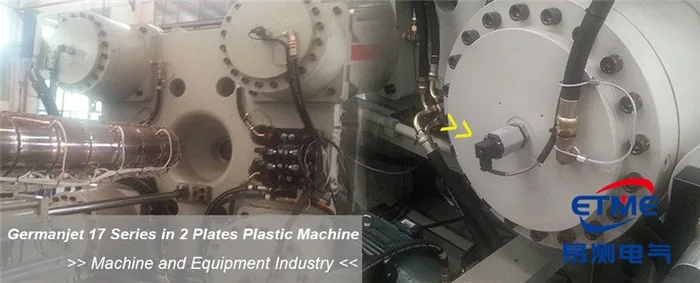
Series 17 Hydraulic Cylinder Integrated Magnetostrictive Displacement Sensor Application Cases
View Details
Series 19D Split-Type Process Displacement Sensor Application Cases
View DetailsWhatever the question above, it comes back to the same device.magnetostrictive displacement sensorThe product range lists every series by stroke, mounting style and output interface, which is the quickest way into a selection.
← Back to News