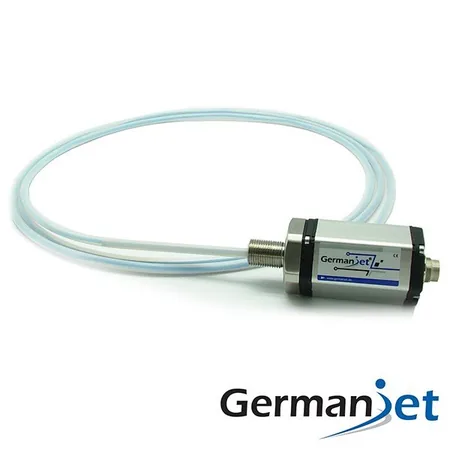
M12 Coding and Seals on a Magnetostrictive Displacement Sensor: A, B, D and X Are Not Interchangeable
The housing of a magnetostrictive displacement sensor is sealed to IP67, but protection in service is only as good as the M12 connector. The M12 circular connector is the most common field interface on displacement sensors, and it is also the weakest link in the whole chain for ingress protection. The sensor body may achieve IP67 or even IP69K, yet if the connector is not tightened or the seal has aged, water still enters here. This article covers how to choose M12 coding and pin count, how the protection rating is actually achieved, and the criteria for maintaining and replacing seals. For the meaning of protection ratings, see what IP65/67/68/69K really mean; for fault symptoms caused by water ingress, see common troubleshooting.
Distinguish the coding first: A / B / D / X are not interchangeable
M12 connectors have several keyway codings that are mechanically incompatible. That is deliberate — it prevents a fieldbus from being plugged into a power supply. Selection must match the sensor interface: A-code analogue, B-code fieldbus, D-code Ethernet; forcing a D-coded plug onto an A-coded port burns the head.
| Coding | Typical use | Common pin count | Consequence of misuse |
|---|---|---|---|
| A-coded | Sensor supply and analog signals; some CAN | 4 / 5 / 8 pin | Wrong pin count causes missing signals |
| B-coded | Profibus and similar fieldbuses | 5 pin | Cannot mate with A-coded (mechanical keying) |
| D-coded | Industrial Ethernet (100 Mbit/s) | 4 pin | An ordinary A-coded cable will not insert for Ethernet |
| X-coded | Industrial Ethernet (1 Gbit/s) | 8 pin | Not interchangeable with D-coded |
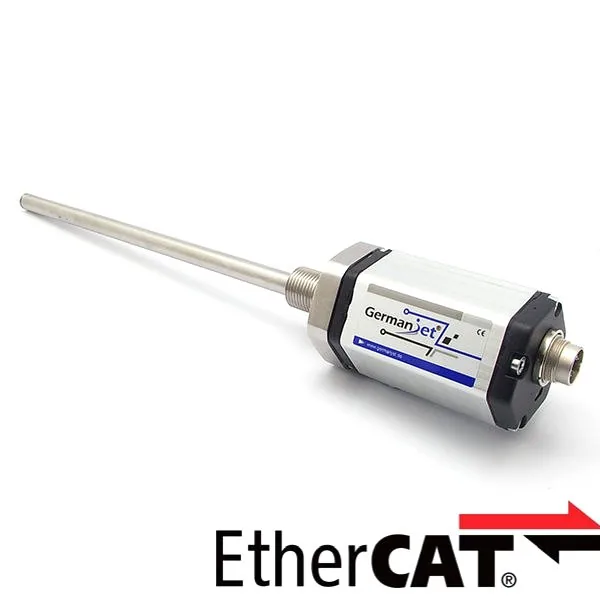
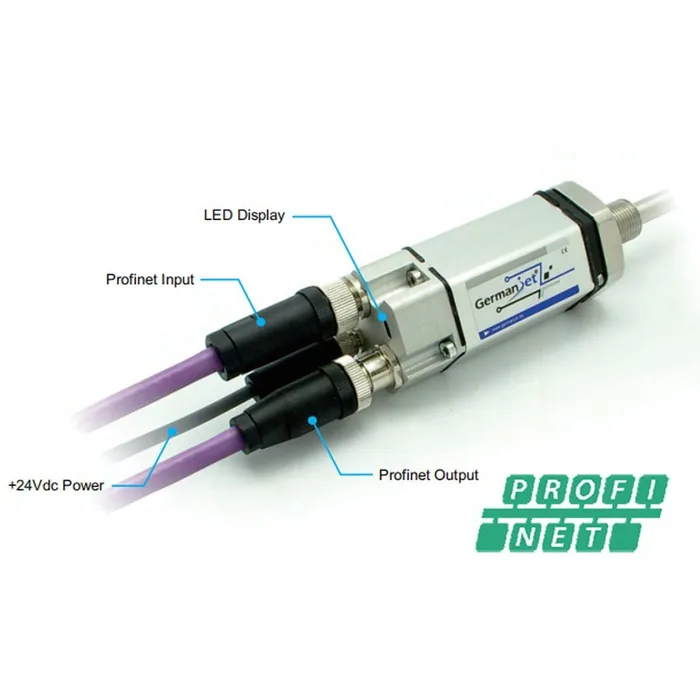
On the product side, analog models such as the Series 191 analog and the Series 13 mobile hydraulics commonly use A-coded connectors; industrial Ethernet models such as the 198 single-M12 EtherCAT and the 199PROFINET series use D-coded. Confirm pin count and pin-out at order; pin functions are not interchangeable across series. See spare parts replacement.
Protection rating: the stated figure is an upper limit, not a guarantee
A connector rated IP67 only means it has that capability when correctly installed. Whether it is actually achieved depends on three things:
- Mate fully and tighten the nut: plugging in without tightening the nut gives essentially zero protection. This is the most common cause of water ingress on site;
- The seal is present and intact: missing, displaced, aged and cracked, or swollen by oil, all cause failure;
- Unused ports are fitted with blanking caps: vacant sockets must be sealed with the matching protective cap; tape is not enough.
Choose the rating to match the actual site duty — do not blindly go high, and do not make do with too low: IP65 covers jetting from a nozzle; IP67 covers short-term immersion; IP68 covers long-term submersion (the immersion conditions must be stated); IP69K covers high-temperature, high-pressure wash-down, typically on food machinery and vehicle washing. The Series 13 mobile hydraulics can reach IP69K and offers 25 g vibration resistance and 100 g shock resistance. A particular point: IP69K does not automatically include the long-term submersion capability of IP68. The test conditions differ; for long-term immersion, confirm IP68.
Seals: the cheapest spare, and the most easily ignored
Seal failure is gradual and usually has no obvious warning until a wash-down or a rain shower produces data loss or abnormal readings. Three common forms of deterioration:
- Compression set: after long compression the seal loses resilience, especially on connectors that are repeatedly dismantled;
- Media attack: contact with hydraulic oil, cutting fluid or cleaning agents causes swelling or hardening; the material must be compatible with the medium;
- High- and low-temperature ageing: high-temperature zones accelerate hardening and cracking; see installing in high temperatures. At low temperature, elasticity falls.
Replacement criteria: replace on visual finding of cracks, obvious flattening, or hardening with loss of elasticity; inspect after every connector dismantling; on high-temperature, heavy wash-down and outdoor sites, treat seals as a scheduled consumable rather than waiting for failure.
Installation and routing: more decisive for life than the connector itself
- Point the cable exit downwards or form a drip loop: let water run off the cable rather than into the connector. This costs nothing and is highly effective;
- Secure the cable so it is not pulled: cable that moves with the machine must have enough travelling slack and be fixed properly. Long-term pulling loosens the seal at the connector root; practice is in external installation;
- Avoid a tight bend at the connector: an insufficient bend radius will damage the sealing structure at the cable exit;
- Tighten by hand, not with pliers: tighten in the way the connector maker specifies; over-torque will crush plastic nuts and seals.
What to do after water has entered
When water is found in a connector, the correct order is: isolate power → dismantle, clean and dry thoroughly → replace the seal (do not just wipe and remate) → check whether cores and the screen have already oxidised → remate and tighten → retest communication or the signal. If cores already show green oxide, drying alone will not restore them; the termination must be remade or the cable assembly replaced. Typical symptoms and criteria for water ingress on fieldbus types are in fieldbus data loss: termination / address conflicts / water ingress; analog types more often show reading drift or jumps — see the signal-jump troubleshooting flow.
Another hidden problem is condensation: outdoors or where the temperature swing is large, moisture condenses inside the connector from day–night temperature change, with no visible water ingress. The criterion is a fault that correlates strongly with day/night or weather. The remedy is better cabinet dehumidification, and checking whether the cable has formed a downward "water-leading path" (water can also travel inside the cable).
Practical tips for engineers
- IP65 means water from a 6.3 mm nozzle from any direction has no harmful effect; IP67 means no harmful water ingress under 1 m immersion.
- Contact-based sensors typically offer only IP40/50 protection, whereas non-contact magnetostrictive types can reach IP65 or even IP67 — choose non-contact for high-dust, high-humidity environments.
Frequently Asked Questions
Q: Is plugging the connector in enough, or must the nut be tightened?
It must be tightened. Plugging in without tightening gives essentially zero protection, and this is the most common cause of water ingress on site. After tightening, a light sideways wiggle by hand can confirm the lock, but apply force in the way the connector maker specifies; over-torque will crush plastic nuts and seals.
Q: Is IP69K more waterproof than IP68?
The test conditions differ, so they cannot be ranked simply. IP69K addresses high-temperature, high-pressure wash-down; IP68 addresses long-term submersion. IP69K does not automatically include long-term submersion. If the equipment may sit in water or liquid for long periods, confirm IP68 and state the immersion conditions.
Q: After water has entered a connector, can it be wiped dry and reused?
Wiping dry and remating is not recommended. The correct treatment is to isolate power, dismantle, clean and dry thoroughly, replace the seal, check whether cores and the screen have oxidised, then remate, tighten and retest. If cores show green oxide, remake the termination or replace the cable assembly.
Q: There is no visible water ingress, but the fault correlates with day–night temperature change. What is the cause?
Usually condensation. Outdoors or where the temperature swing is large, moisture condenses inside the connector and cabinet as temperature changes, with no visible water ingress. The remedy is better cabinet dehumidification, desiccant that is replaced on a schedule, and checking whether a damaged cable sheath has formed an inward water path.
Related Products
Related Applications
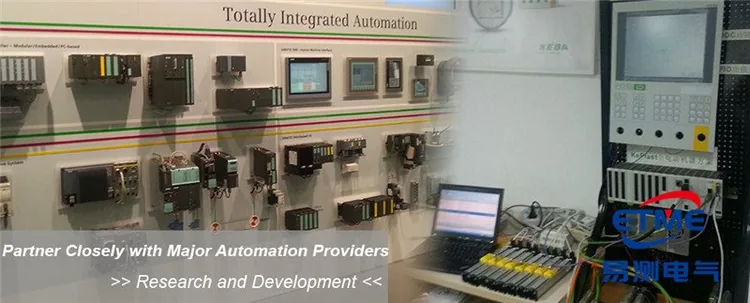
Multi-Industry Application Cases for Magnetostrictive Displacement Sensors
View Details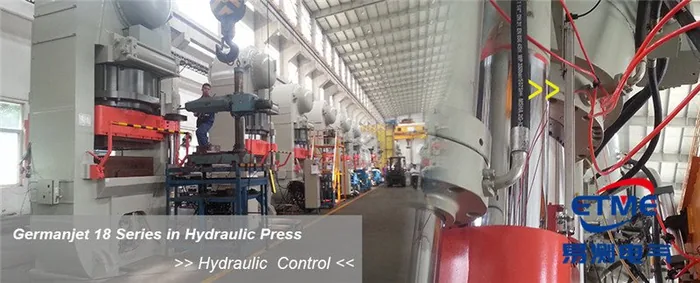
Series 18 Profile Magnetostrictive Displacement Sensor Application Cases
View Details
Series 19D Split-Type Process Displacement Sensor Application Cases
View Details