Choosing a Displacement Sensor Fieldbus: Which Bus My PLC Supports
The bus for a displacement sensor is decided in the PLC hardware list, not on the sensor side. The answer to "which fieldbus does my PLC support" is not on the sensor side, but in the controller's hardware configuration list. The judgement path has only three steps: first, what interface the CPU itself carries; second, what communication modules are fitted or can be added; third, what the existing network backbone is. After those three steps the selectable protocols are essentially locked. Adding a gateway across systems is not "more flexible"; it doubles fault points, delay and maintenance together. For the cost analysis see Multi-Protocol Gateways: One Sensor Family for Several Fieldbuses. This article gives an executable method of judgement; for a cross-protocol comparison of characteristics see Comparing the Whole Fieldbus Range.
Step one: look at the CPU's own interfaces
Most PLC CPUs already declare their "native protocol". Common correspondences are:
| Master type / CPU interface | Recommended protocol | Corresponding product | Notes |
|---|---|---|---|
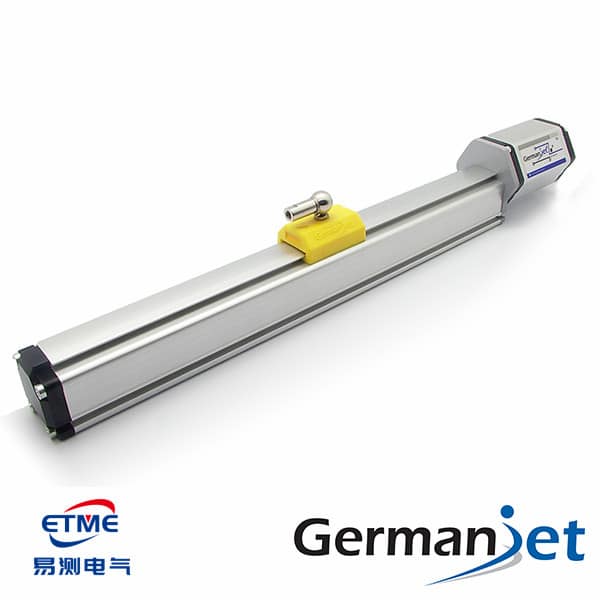
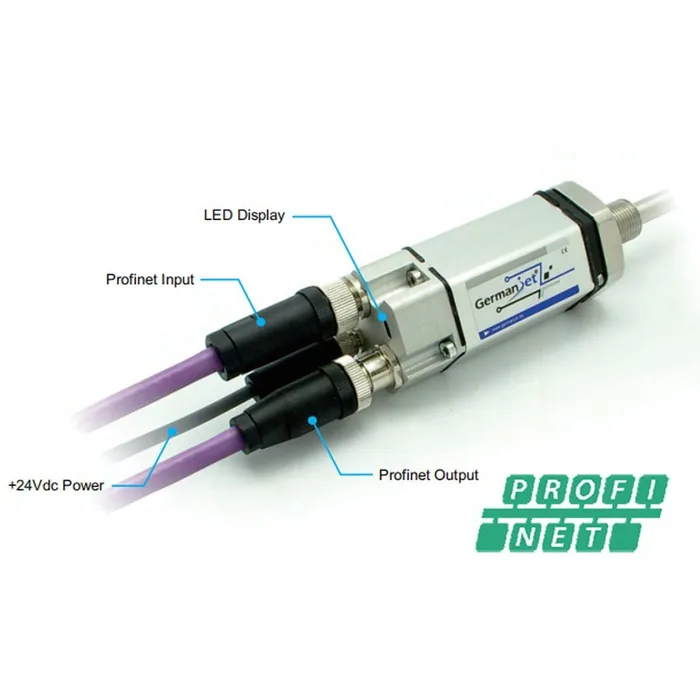
| Siemens S7-1200 / S7-1500 (on-board PN port) | PROFINET | 199PROFINET | The CPU is the controller; no extra module needed |
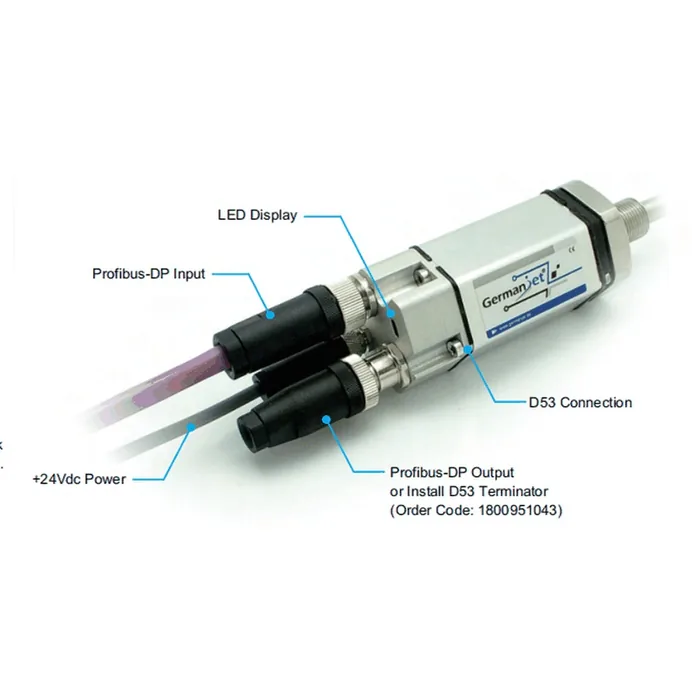
| Siemens S7-300 / S7-400 (DP port) | Profibus DP | 195 | The most economical path on a legacy-line retrofit |
| EtherCAT master (motion controller / IPC master) | EtherCAT | 197 / 198 | Shortest cycle; best DC synchronisation |
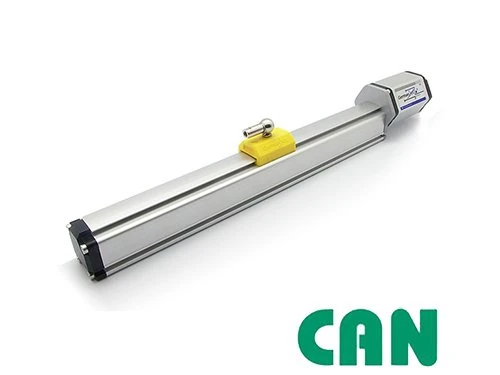
| Mobile-machinery controller (on-board CAN port) | CANopen | 194 | The vehicle/machine already has a CAN network; lowest access cost |
| Serial port only / Modbus only | Prefer analogue or SSI | 191 / 192 | Principle: Modbus; a gateway only if you must, see gateways |
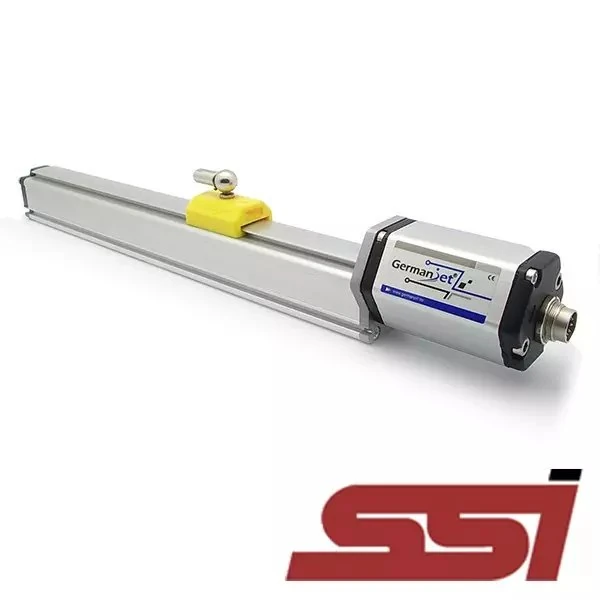
| SSI input module present | SSI | 192 | Point-to-point; simplest link on a single-axis application |
| Analog input modules only | 4-20 mA / 0-10 V | 191 | Lowest threshold when no fieldbus is needed |
Note a frequent misjudgement: an RJ45 network port on the CPU does not equal support for PROFINET or EtherCAT. Many PLC network ports are used only for program download and Modbus TCP; whether they have a real-time Ethernet master function must be checked in the manual and cannot be judged from the connector shape.
Step two: look at communication modules and licences
If the on-board interface is not enough, the next step is to confirm whether a module can be added. Three items must be checked:
- Whether the module exists and is still in the supply window; communication modules for older PLC types may already be discontinued.
- Whether the master function needs an extra software licence. On some soft-PLC and IPC master schemes, EtherCAT / PROFINET master functions are licensed; hardware in place does not equal the function being available.
- Rack slots occupied by the module and compute overhead. Adding a communication module occupies the CPU's communication resources; with a large node count, CPU load must be budgeted.
If the cost of adding a module already approaches changing the controller, and the project is still in design, the master selection should be reconsidered, rather than forcing a scheme together.
Step three: look at the existing network backbone
On a retrofit this step often has more deciding power than the first two. Whatever protocol the site backbone is, added devices should follow it first — even if the controller theoretically supports another protocol, the construction and maintenance cost of pulling a new network is usually not worthwhile.
Conversely, if the backbone protocol has no matching type on the sensor side, or backbone bandwidth/cycle is already near saturation, three schemes need to be assessed: adding an independent segment, replacing the backbone, or bridging with a gateway. The trade-off among the three should be based on the downtime window and long-term maintenance cost, not the one-off purchase price.
Secondary screening after the master is fixed
Once the protocol is locked, several further dimensions decide the specific type and configuration:
- Synchronisation requirement: where several axes must sample strictly together, choose EtherCAT (DC) or PROFINET (IRT); CANopen triggered by SYNC can meet a medium synchronisation need. For the mechanism see EtherCAT real-time performance: DC alignment and jitter.
- Cycle demand: first check the sensor update rate (magnetostriction has to wait for the torsional wave to return to the electronics head; of the order of 0.5 ms on shorter ranges, several milliseconds on very long ranges). The bus cycle must not be shorter than the update rate; see Matching Response Time and Refresh Rate to the Control Cycle.
- Segment length and topology: usable length on CANopen and Profibus is inversely related to baud rate; drop speed deliberately on long distances. Ethernet classes are laid out to the segment-length specification. See Terminating Resistors and Bus Length: Why It Has to Be 120 Ω.
- Diagnostic need: where port-level location and replacement without programming are needed, PROFINET is strongest; CANopen provides EMCY reported of its own accord; Profibus diagnostics are mature but need the master to poll them.
- Axis count and installation space: prefer a fieldbus type when the axis count is large; where nodes are dense and cable-exit space is tight, consider a single-M12 EtherCAT type.
- Accuracy and resolution step: resolution is chosen from 1 / 2 / 5 / 10 / 20 / 50 / 100 μm; repeatability of the order of ±0.002 mm; typical non-linearity < 0.02%FS. For what the figures mean see The Three Accuracy Terms of Magnetostrictive Sensors: Resolution, Repeatability and Non-Linearity.
When a fieldbus is not needed
A reminder: a fieldbus is not mandatory. If the system has only one or two axes, the controller has no fieldbus master, and remote diagnostics and parameter configuration are not needed, analog or SSI is often the simpler, more reliable choice — a short link, fast commissioning, generic spares. Forcing a fieldbus only adds configuration effort and a larger fault surface. For the overall output-selection framework see Selecting a Magnetostrictive Displacement Sensor: 4-20 mA Analog or CANopen Fieldbus?; for the full comparison across interface families see Analog vs. Digital Across the Whole Range.
For the specific configuration flow after the protocol is fixed, see respectively CANopen Basics: The Object Dictionary and the PDO/SDO Division of Labour, Profibus DP Basics: GSD Files and Configuration, EtherCAT Slave Configuration: XML and Distributed Clocks (DC), PROFINET Basics: IRT and Device Name Assignment; for general wiring practice see A Practical CANopen and EtherCAT Guide.
Frequently Asked Questions
Q: How do I judge which fieldbus my PLC supports?
Three steps: first look at the CPU's own interfaces (the PN port on S7-1200/1500 corresponds to PROFINET, the DP port on S7-300/400 to Profibus, the CAN port on a mobile controller to CANopen); then look at addable communication modules and software licences; finally look at the protocol of the existing site backbone.
Q: Does a network port on the CPU mean PROFINET or EtherCAT can be used?
Not necessarily. Many PLC RJ45 ports are used only for program download and Modbus TCP. Whether they have a real-time Ethernet master function must be confirmed in the manual; some soft-PLC schemes also need an extra software licence.
Q: On a retrofit, should I follow the controller or the site backbone?
On a retrofit the site backbone protocol often has more deciding power. Even if the controller theoretically supports another protocol, the construction and long-term maintenance cost of pulling a new network is usually not worthwhile; follow the existing backbone first.
Q: What else should be considered after the protocol is fixed?
Six dimensions: synchronisation requirement (DC/IRT/SYNC), cycle demand (not shorter than the sensor update rate), the inverse relationship of segment length and baud rate, diagnostic capability, axis count and installation space, and the resolution step (1/2/5/10/20/50/100 μm) with accuracy figures (repeatability of the order of ±0.002 mm, typical non-linearity <0.02%FS).
Q: When is a fieldbus not needed?
When the system has only one or two axes, the controller has no fieldbus master, and remote diagnostics and parameter configuration are not needed, analog or SSI is often simpler and more reliable: a short link, fast commissioning, generic spares. Forcing a fieldbus only adds configuration effort and a larger fault surface.
Related Products
Related Applications
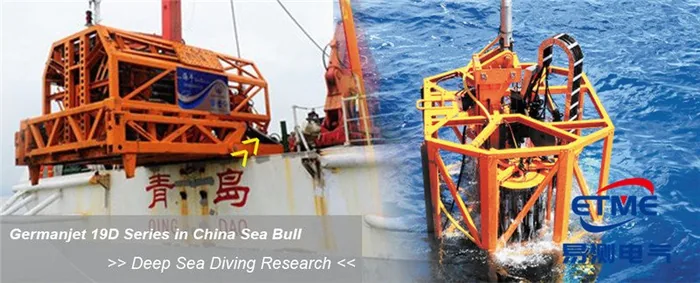
Series 19D Split-Type Process Displacement Sensor Application Cases
View Details
Series 19F Flexible Process Displacement Sensor Application Cases
View Details
Series 19H Cylinder-Integrated Process Displacement Sensor Application Cases
View Details